

Similar to an email inbox, Signority’s inbox is a repository that allow you to directly access and sign documents sent to you. This way, you don’t need to access the email invitation that was sent to you.
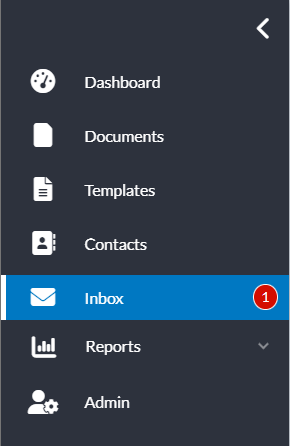
You can open your inbox using the left navigation menu. On the inbox page option, you will see a red circle with a number inside which the red circle represents the number of uncompleted documents that you have been sent.
Sign a Document from the Inbox
If you have an unsigned document in your inbox:
-
Open the Inbox page.
-
To filter for documents you have not signed, click on the Document Status column header and then select In Progress.
-
Click on the document name or select Sign Document to the right of the document you would like to sign.
-
You will then be taken to the Signority signing page to sign the document.