

The User Dashboard is the main screen you see when you first sign in to Signority. It provides a high-level view of your account, document activity, and quick access to commonly used features.
All roles — including Regular Users and Administrators — use the same User Dashboard interface. However, what you can access and manage depends on your assigned role.
For more information about roles and permissions, see: Team Account Roles & Permissions
Navigating Signority from the Dashboard
On the left-hand side of the screen, you’ll find the sidebar navigation menu, which allows you to navigate through the platform.
You can expand or collapse the menu using the toggle arrow.
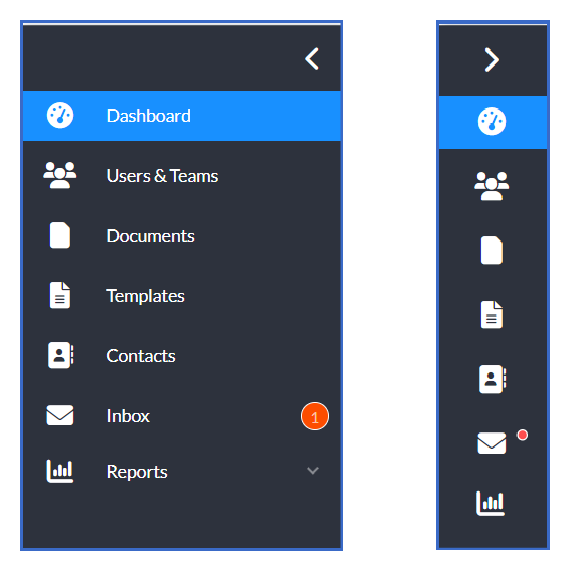
Administrative roles will also see an Admin icon, which provides access to the admin console (if applicable). Individual plan account users will also see some additional pages.
Dashboard Tiles Overview
The User Dashboard is organized into several tiles that give you quick insights and shortcuts.
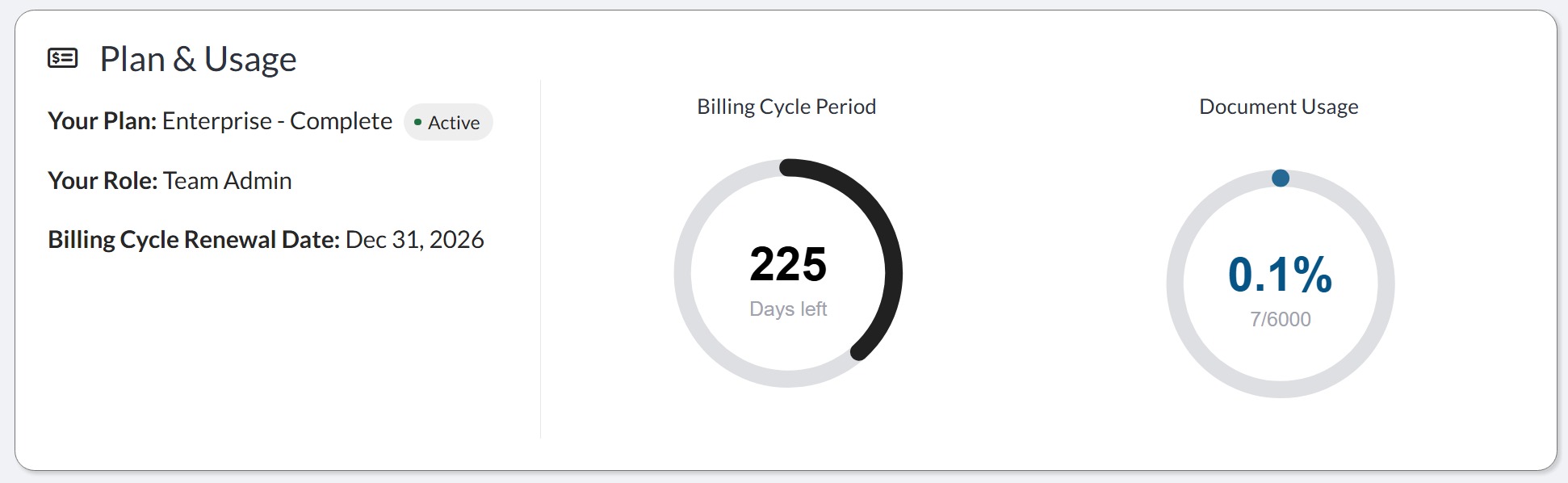
Plan & Usage Tile
This tile displays key information about your account subscription:
-
Your current subscription plan
-
Your role within the account
-
Number of days remaining in your billing cycle
-
Usage of your document package
Document Report Tile
This tile provides a breakdown of your all-time document activity:
-
Draft – Documents created but not yet sent
-
In Progress – Documents sent for signature but not completed
-
Finalized – Documents with all required signatures
-
Cancelled – Documents cancelled during the signing process
-
Expired – Documents that expired before completion
It also includes:
-
The average time to completion for documents over the past 60 days
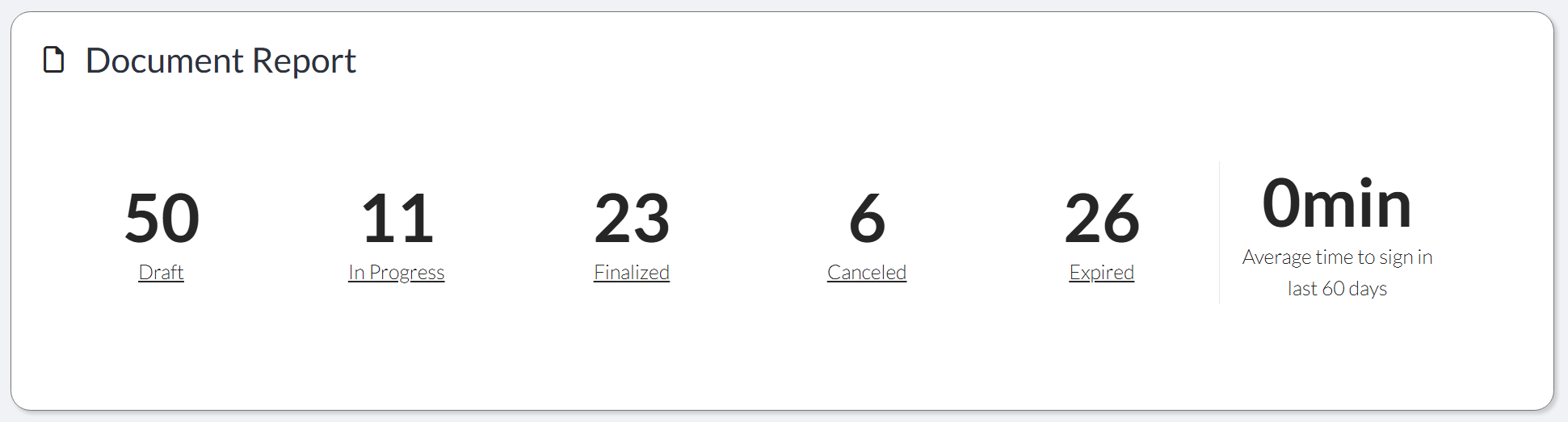
Tip: Each document status is clickable. Selecting a status (for example, Cancelled or In Progress) will take you directly to your Documents page, filtered to show only documents in that category. This allows you to quickly review and take action on specific document groups.
Templates Tile
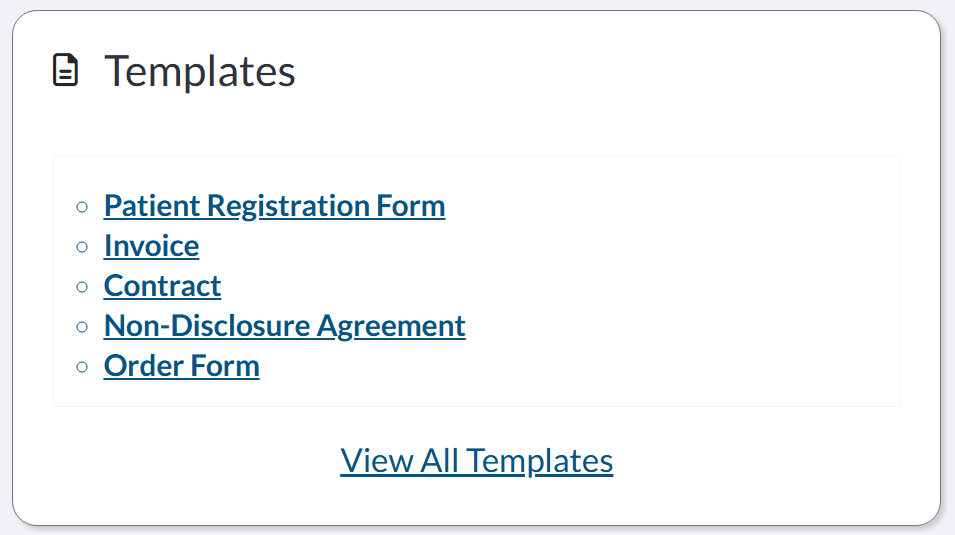
Displays your most recently used templates, allowing you to quickly reuse frequently sent documents.
-
Select any template to start using it right away
-
Click “View All Templates” to open your full templates list, where you can manage and organize all templates
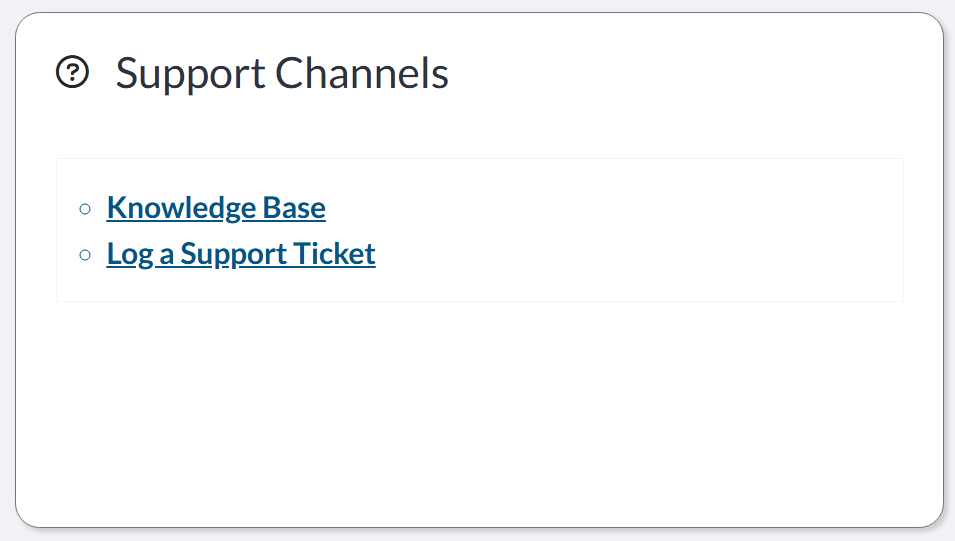
Support Channels Tile
Provides quick access to Signority support resources, making it easy to get help when you need it.
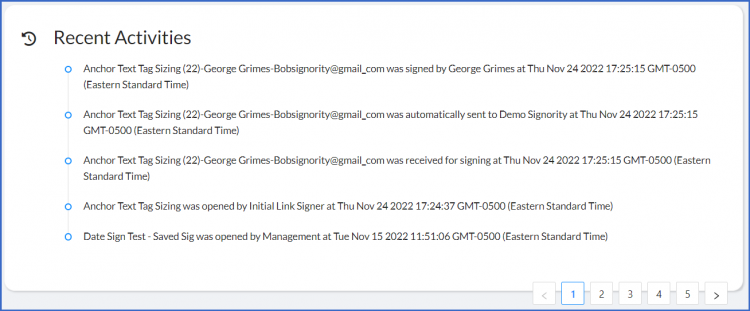
Recent Activity Tile
Shows your most recent actions, helping you quickly track updates and continue ongoing work.
Related Articles
Depending on your role, you may also want to explore:
-
Admin Dashboards Overview — for administrative features
-
Managing Documents & Templates — for sending and managing documents