

The Users & Teams page provides a centralized view of your organization's structure. It allows users to see how teams and subteams are organized, as well as review user email addresses, roles, and account status.
All users can access this page, but how you access it, what you can see, and what you can do depend on your role.
How to Access the Users & Teams Page
Access to the Users & Teams page depends on your role:
Billing Admins, Super Admins, and Team Admins
-
From the user dashboard, navigate to the Admin Console by selecting Admin on the left sidebar menu.
-
In the updated Admin Console sidebar menu, select Users & Teams.
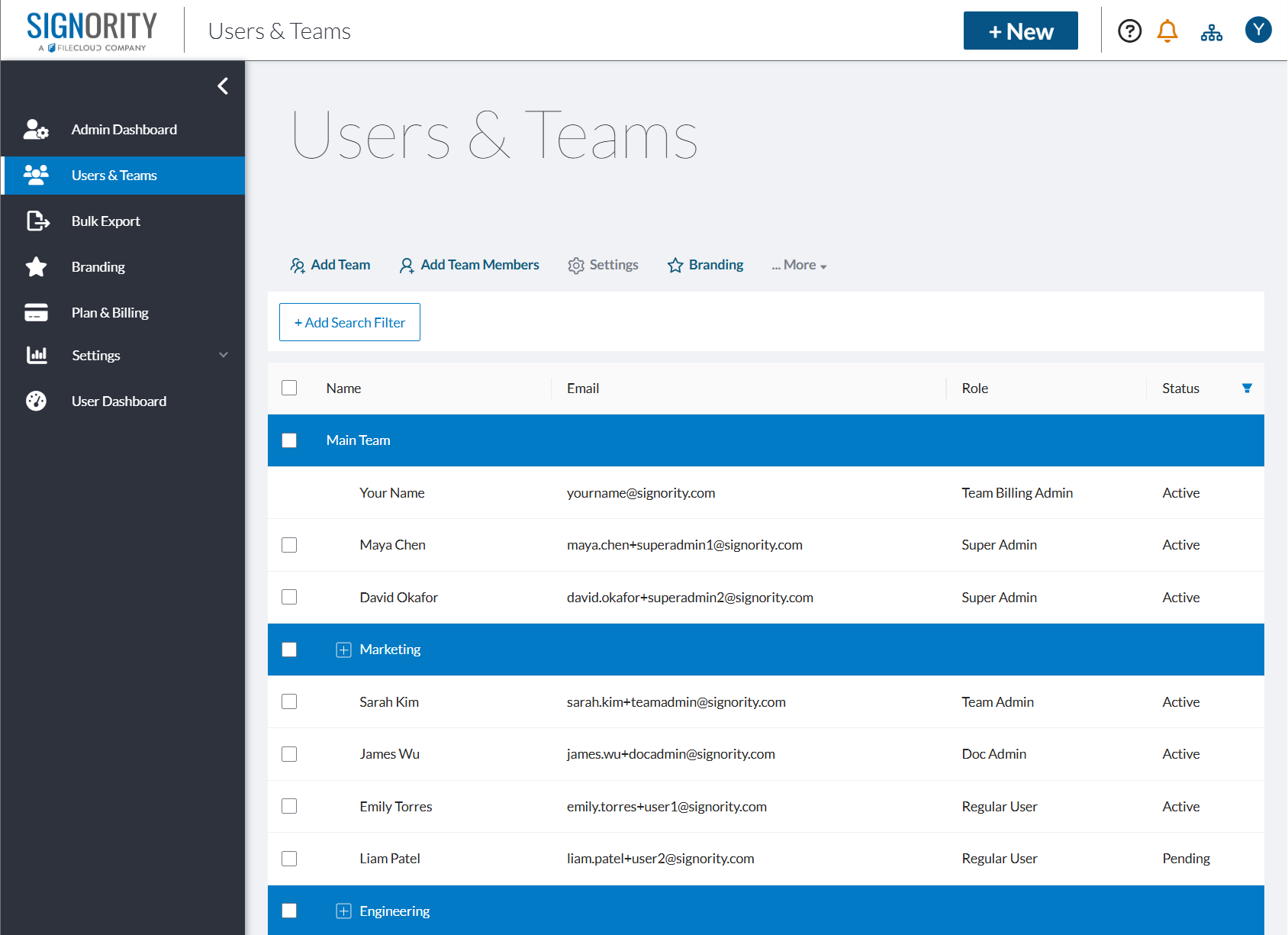
Doc Admins and Regular Users:
-
Select Users & Teams on the left sidebar menu.
Permissions & Visibility
While all users can view the page, capabilities vary.
|
Role |
Visibility |
Access Level |
|---|---|---|
|
Regular Users / Doc Admins |
Their team and any subteams beneath it |
View-only access |
|
Team Admins |
Their team and any subteams beneath it |
Can manage users and teams within their team |
|
Super Admins / Billing Admins |
Entire organization |
Full administrative control |
If you have administrative permissions and want to manage users or teams, see: User & Team Management.
Search & Filtering
Use filters to quickly find specific users or teams.
You can filter by:
-
User name
-
Team name
-
Email
-
Role (Regular User, Team Admin, Doc Admin, Super Admin)
-
Show all users
-
Show all teams
Learn more: How to Search Team Members with One or More Filters