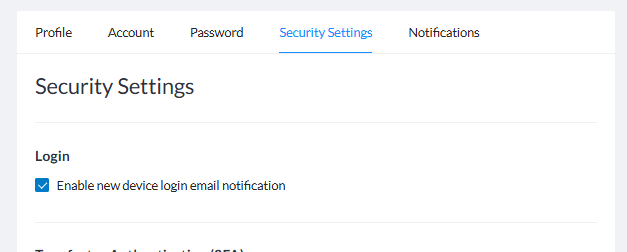
New device login notifications let you know by email whenever a new device is used to access your Signority account. This can be used to help detect fraudulent accesses to your account and allow you to take action to protect your account.
Admins can enable, disable, or enforce these options in: Admin Console > Global Settings or Team Settings > Security Settings.
To disable these notifications:
-
From the Signority Dashboard, select your profile icon in the top right then then click Profile Settings.
-
Select the Security Settings tab.
-
Under Login, uncheck the box next to Enable new device login email notification to disable.