

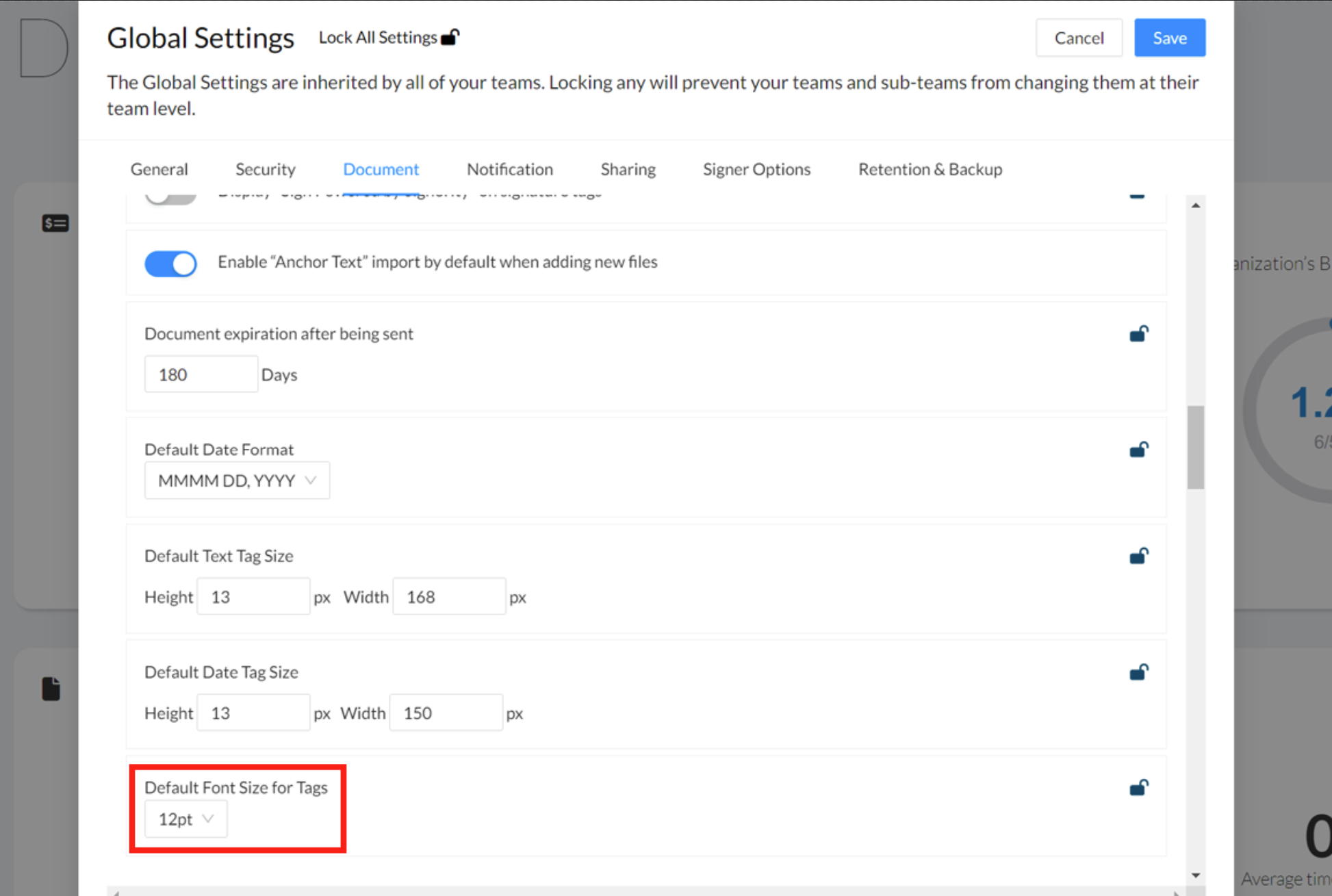
Billing and Super admins can set a default font size for their entire team in Global Settings.
-
To adjust this, go to the Admin Console by selecting Admin from the left sidebar navigation menu.
-
On the updated navigation, select Settings > Global Settings.
-
In the Global settings panel scroll down or select the Document tab.
-
Select the dropdown for 'Default Font Size for Tags'.
-
Choose what size font you would like for tags.
-
Click Save.