

Save time by enabling the auto-search feature for Anchor Text by default. This will allow users to skip having to remember to enable it when uploading files to a document or template.
Note: You must be a Billing Admin or Super Admin in order to set the default for this feature.
Enable Auto-Search for Anchor Text by Default
-
In your Sidebar menu select Admin.
-
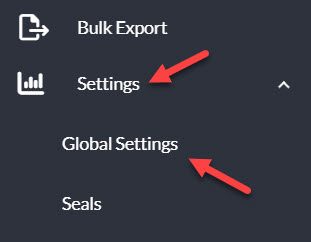
Click Settings in the Admin Console sidebar menu and then Global Settings.
-
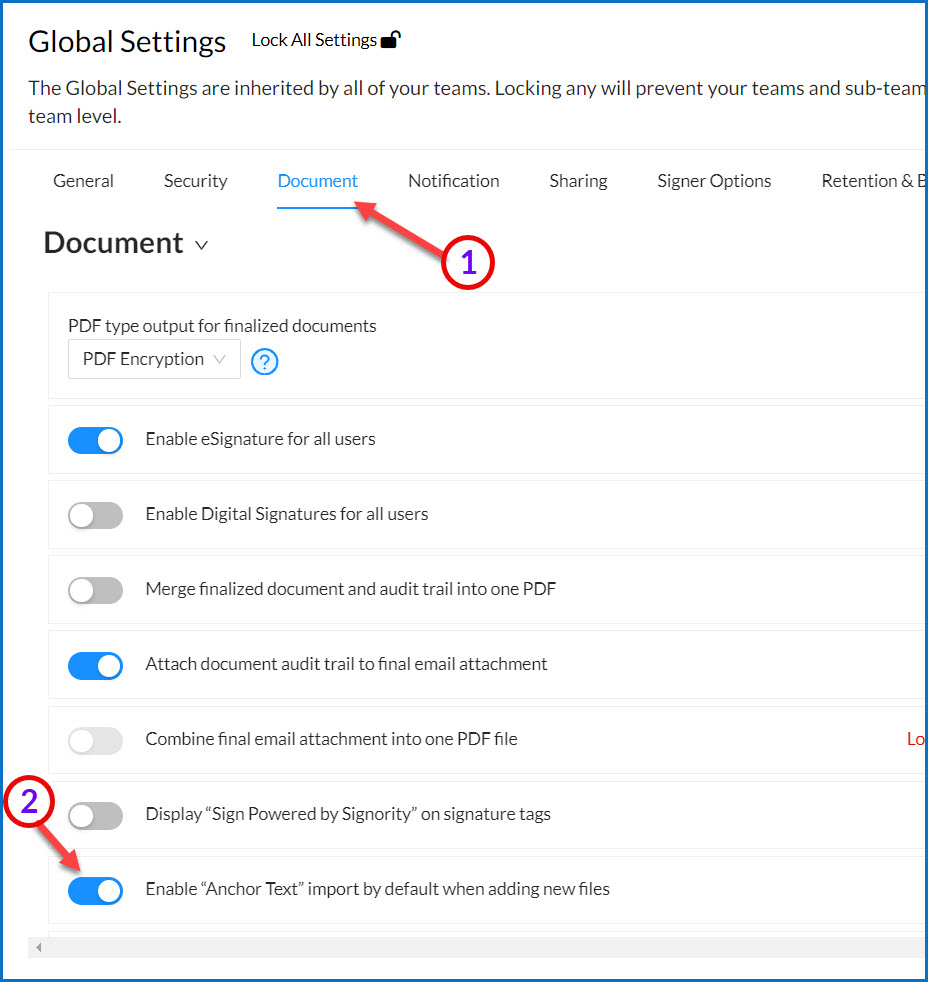
Once your Global Settings modal window pops up select Document from the navigation tabs.
-
Locate the Enable Anchor Text import by default when adding new files option and toggle it on.
-
Click Save on the top right of the Global Setting window.
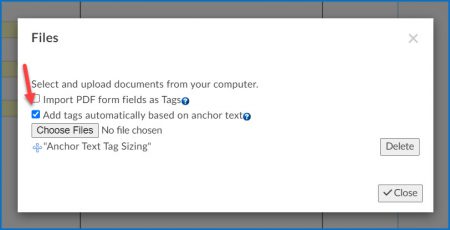
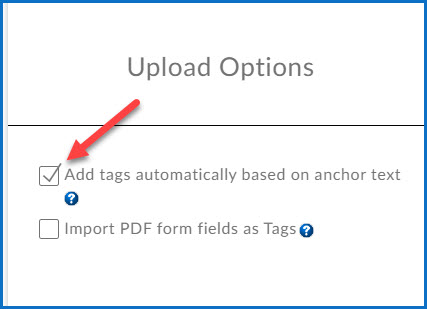
Now, whenever users in your team are uploading files to a document or template, the Add tags automatically based on anchor text option will autmatically be enabled on both the Upload page and Mange Files pop-up window in the editor, as seen below.
|
|