

-
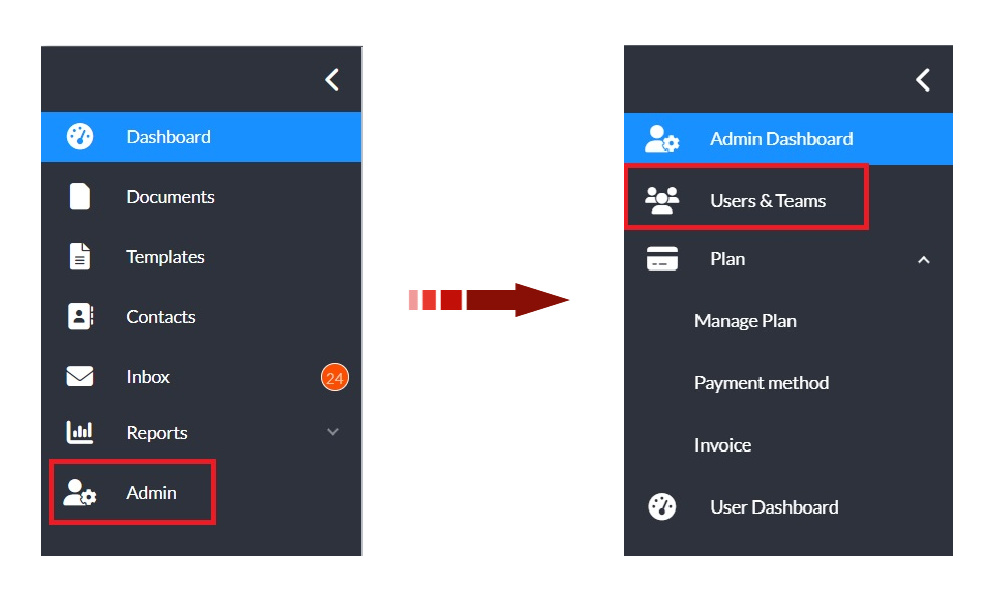
In the left navigation panel, click Admin to open the admin console.
-
Select Users & Teams in the updated navigation panel.
-
Locate the user your want to move and select the checkbox next to their name.
Note: If you choose multiple users you must be moving them all to the same team.
-
In the action bar menu above the search filters, select More > Move.
-
In the Move to Team pop-up window, select the desitination team from the dropdown menu.
-
Click OK to confirm.
After the update, the page may refresh and collapse the teams list. Expand the relevant team to view the moved user.