

-
From the Dashboard, select Documents from the left navigation menu.
-
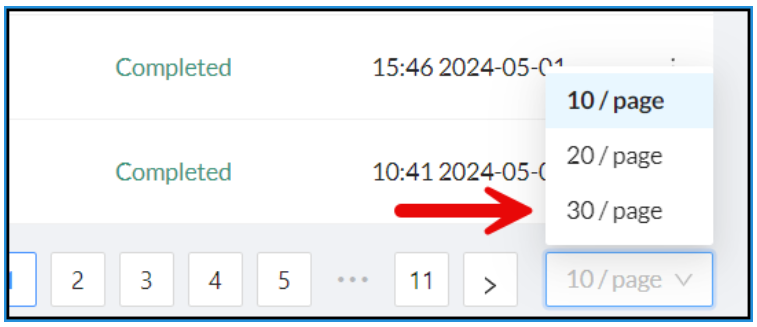
At the bottom of the documents list, update the number of documents per page to 30.
-
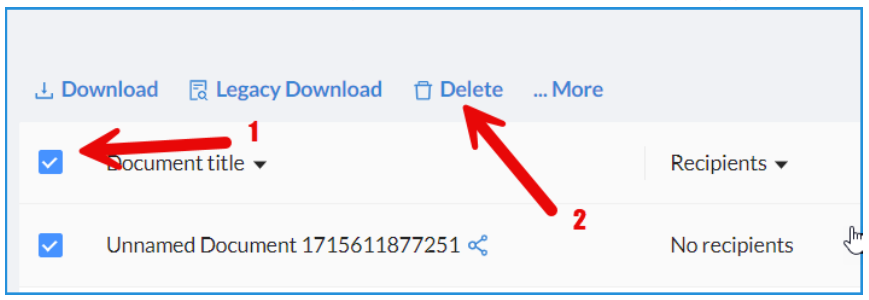
Check the box beside Document Title to select all the documents on that page.
-
Click Delete in the action menu above the table.
-
Repeat this until all the documents have been deleted.