

After sending a document for signing, a recipient may not receive or may lose the original invitation email. Signority allows you to resend the invitation without making any changes to the recipient’s information, as long as the document is still In Progress.
Note: If you need to update the recipient’s name, email address, or role, see How to Update, Change, or Remove a Recipients after Sending a Document.
-
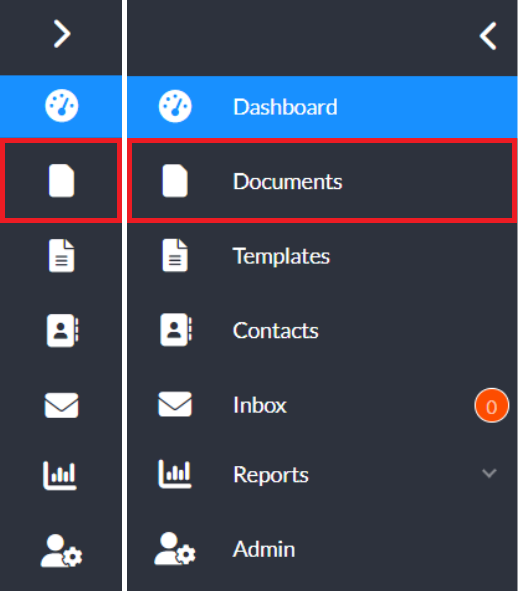
From the Dashboard, select Documents from the left navigation menu.
-
Locate the document you wish to change the recipient for and click the recipient’s email under the Recipients column.
-
On the Recipient List page, choose one of the following options:
-
Click Resend to All below the recipients list to resend the invitation to all recipients.
-
Click Resend next to a specific recipient to resend the invitation only to that recipient.
-
-
You should see a confirmation message at the top of the screen that a new invitation email has been sent.