

Tag font size too large or too small for your documents?
Individual Tag Font Size
-
Start a new document or template
-
Upload your file and add your recipients
-
Drag and drop your tags onto the document/template
-
Select the tag you would like to modify the font size of. Its properties open automatically in the panel on the right side of the Editor.
-
On the tag’s properties panel, select the dropdown next to 'font size' and choose which size font you would like for the tag.
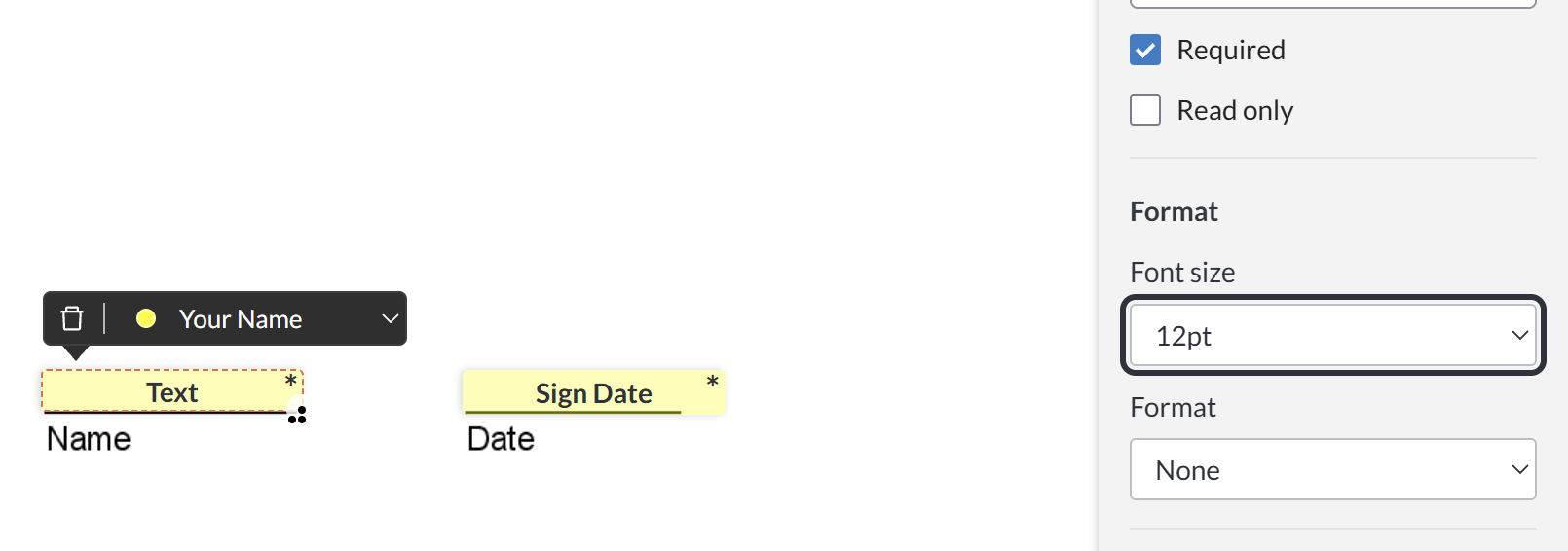
-
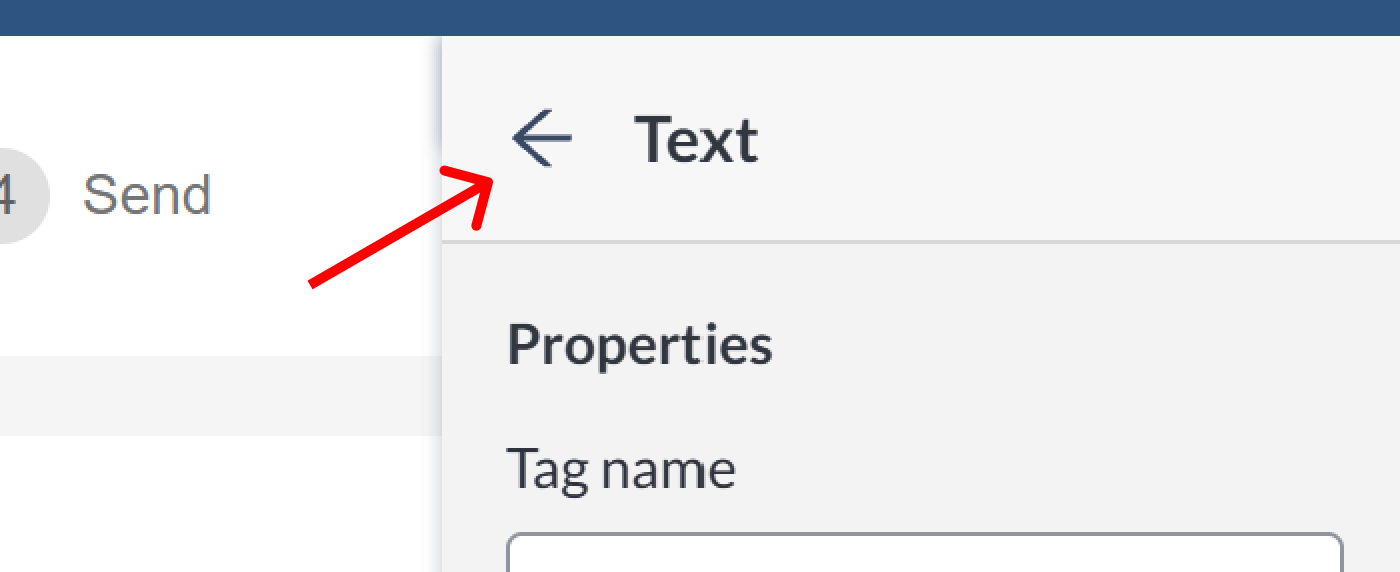
The font size is automatically changed. When you are done making changes to the tags properties you can click anywhere on the document or on the back arrow at the top of the Tag Properties panel to close it and continue with the rest of the document creation process.
How do I change my default font size?
Billing and Super Admins can set an account-wide default font in global settings.